For iPhone and iPad · Forthcoming
MusicJotter 2

A music sketchbook with notation, handwriting, and piano playback.
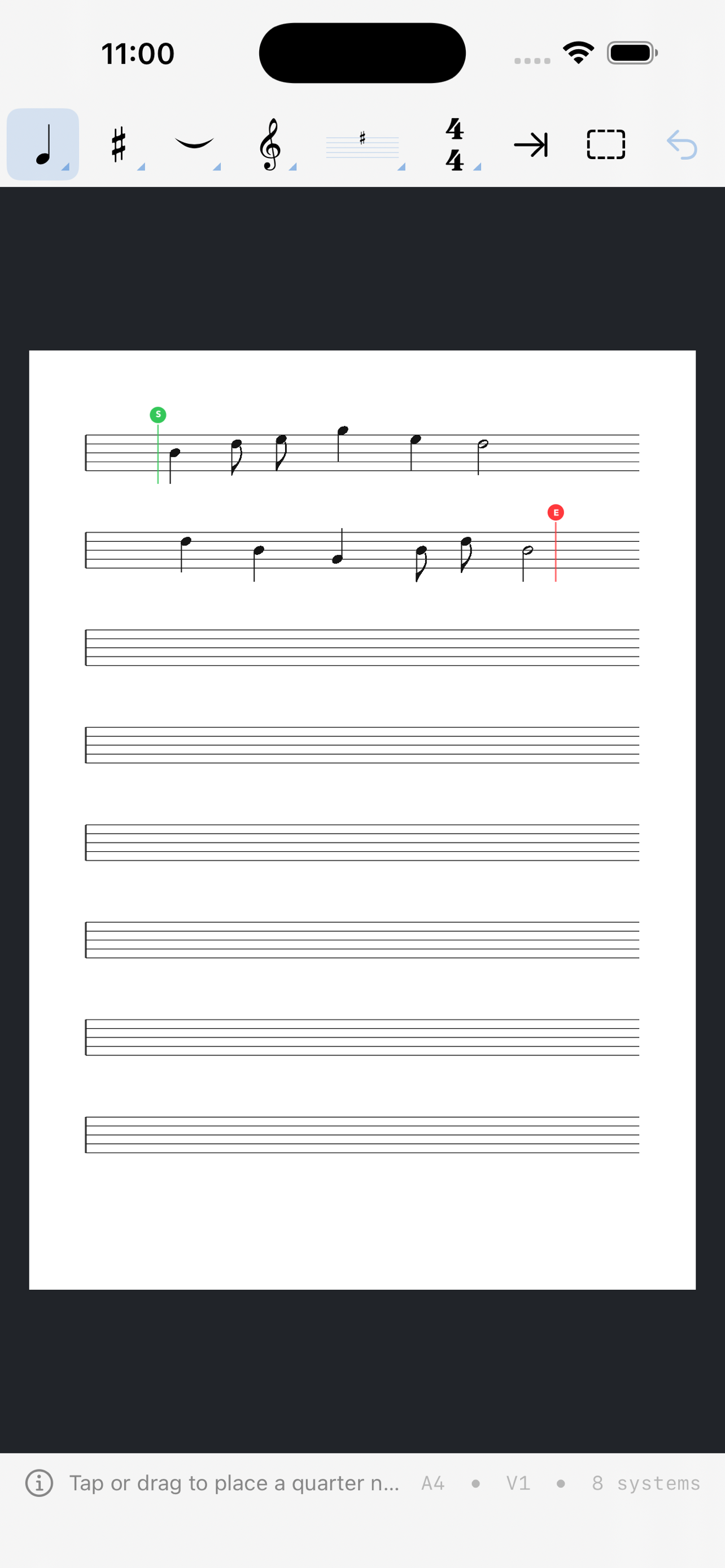
Write a melody or accompaniment, add notes by hand, and listen to the page. Pitch follows the staff; rhythm follows the written note and rest values.
Writing and playback
Choose one, two, or four staves per system. Enter notes, rests, chords, accidentals, dots, ties, beams, clefs, key signatures, and time signatures.
Playback uses sampled piano sound. Set a tempo and playback range, or use mute and solo to hear individual voices.
Handwritten annotations and drawings share the page with the notation.
Working on a page
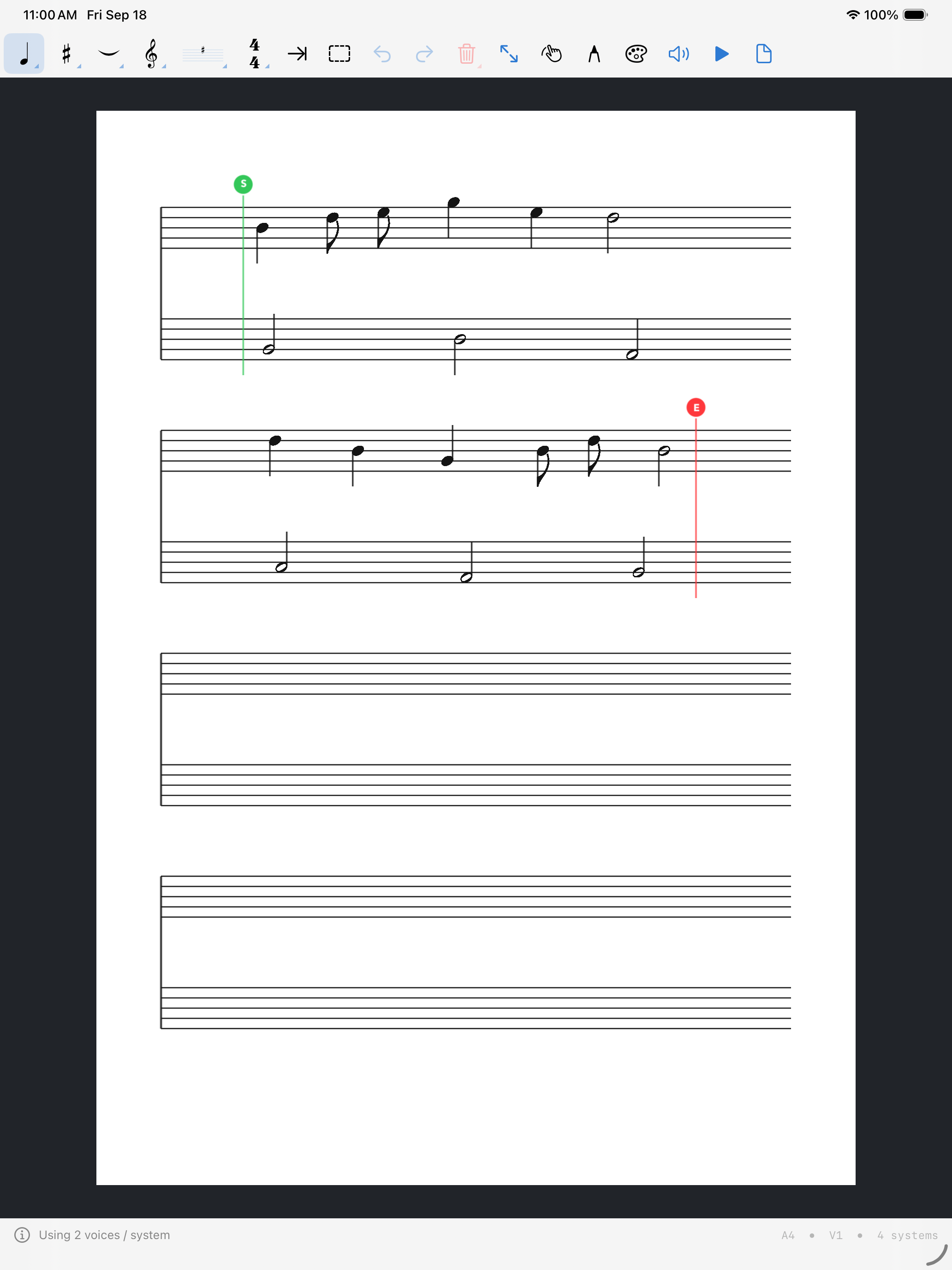
Pan and zoom around the notation, and choose portrait or landscape pages. The example below shows melody and accompaniment on two staves.
Documents and export
- Saving
- Individual MusicJotter documents are saved through Files, with system-managed autosave.
- Export
- Full Access includes export of a complete page as a PNG image or PDF.
- Viewing
- Saved pages can be viewed and played back after the trial ends.
Trial and purchase
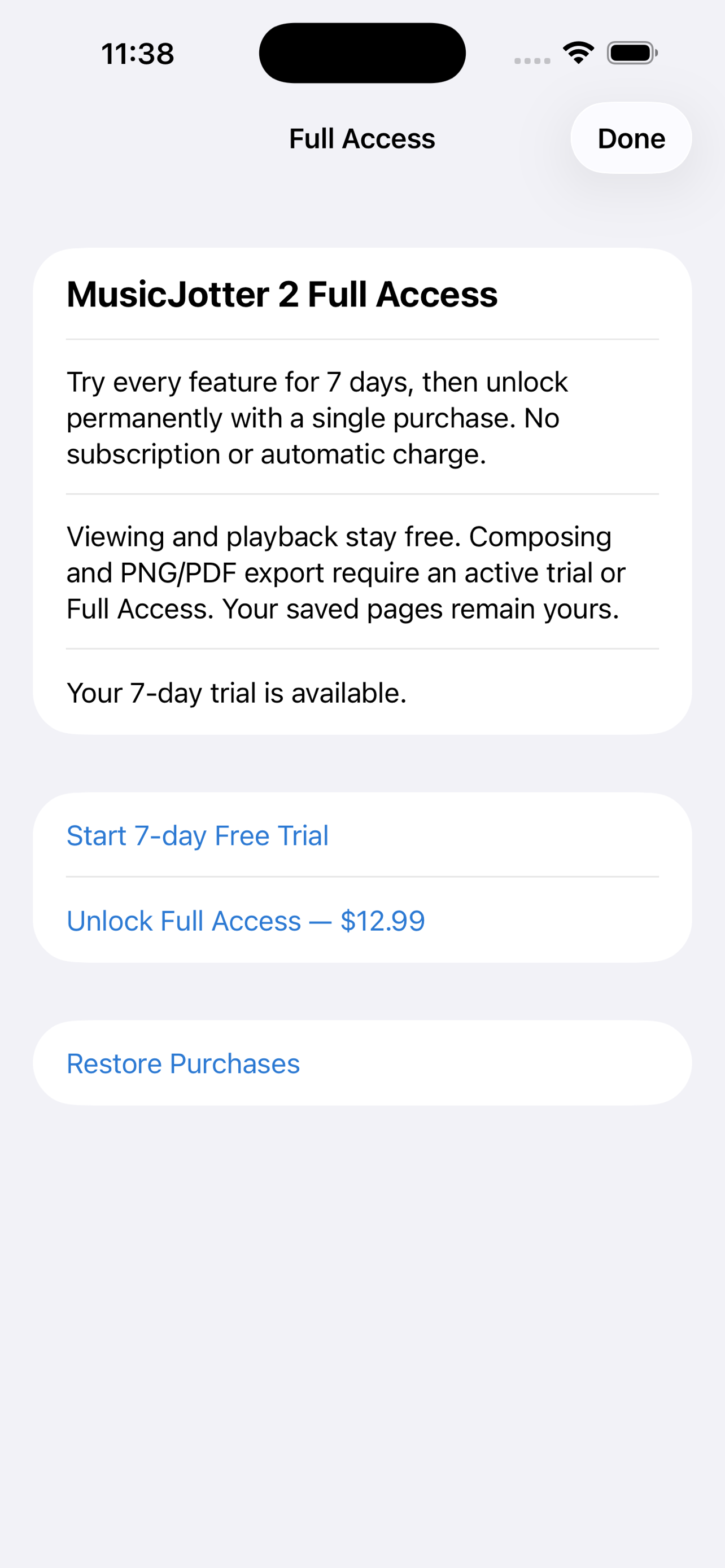
A seven-day trial includes composing, handwriting, and export. There is no subscription or automatic charge.
After the trial, viewing and playback remain available. Composing and export require Full Access, listed at $12.99 as a one-time lifetime purchase.
Forthcoming on the App Store.
About this version
MusicJotter 2 is a separate app from the original MusicJotter. It focuses on individual music pages and notation playback. Purchases do not transfer automatically between the two apps.