Version 2 · For iPhone and iPad
PitchCompass

A chromatic tuner, reference tones, and a metronome.
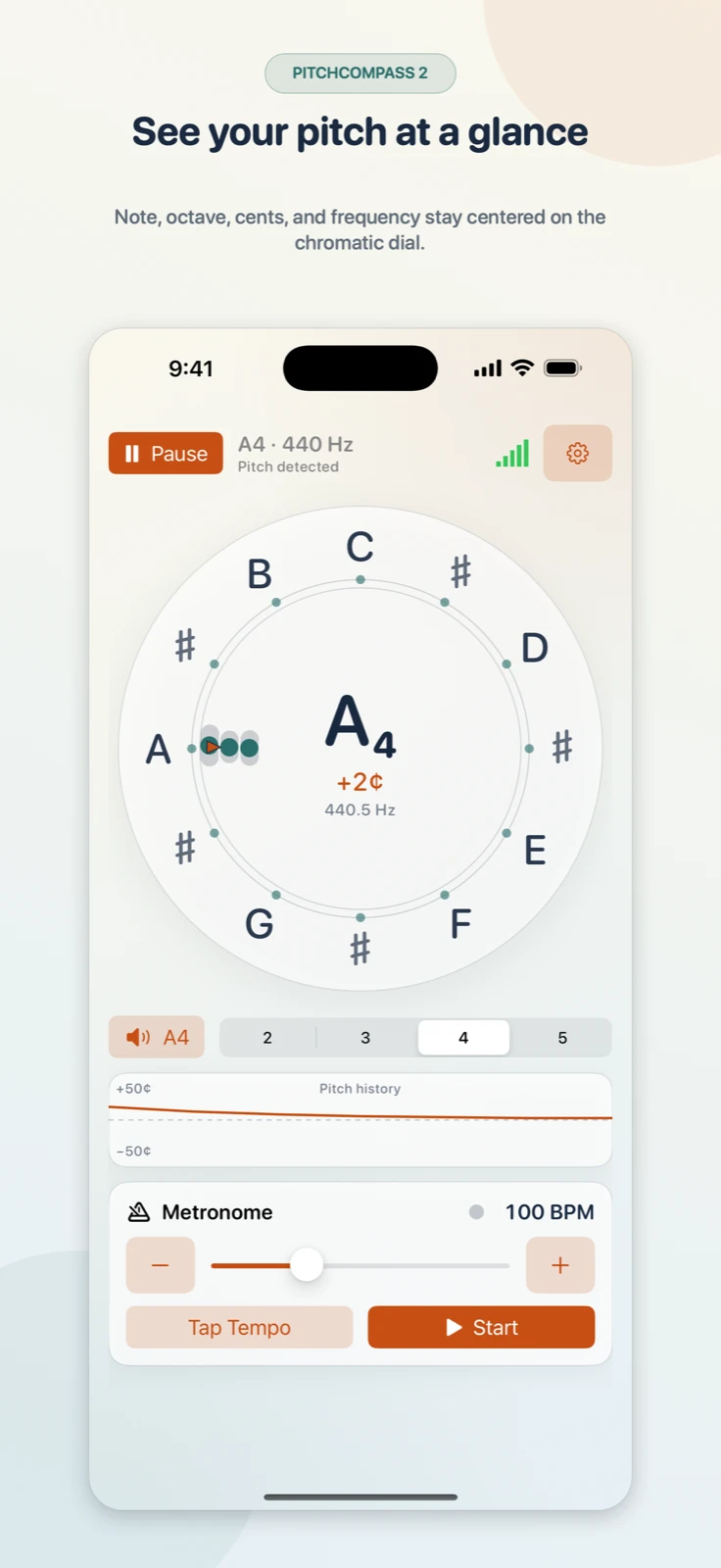
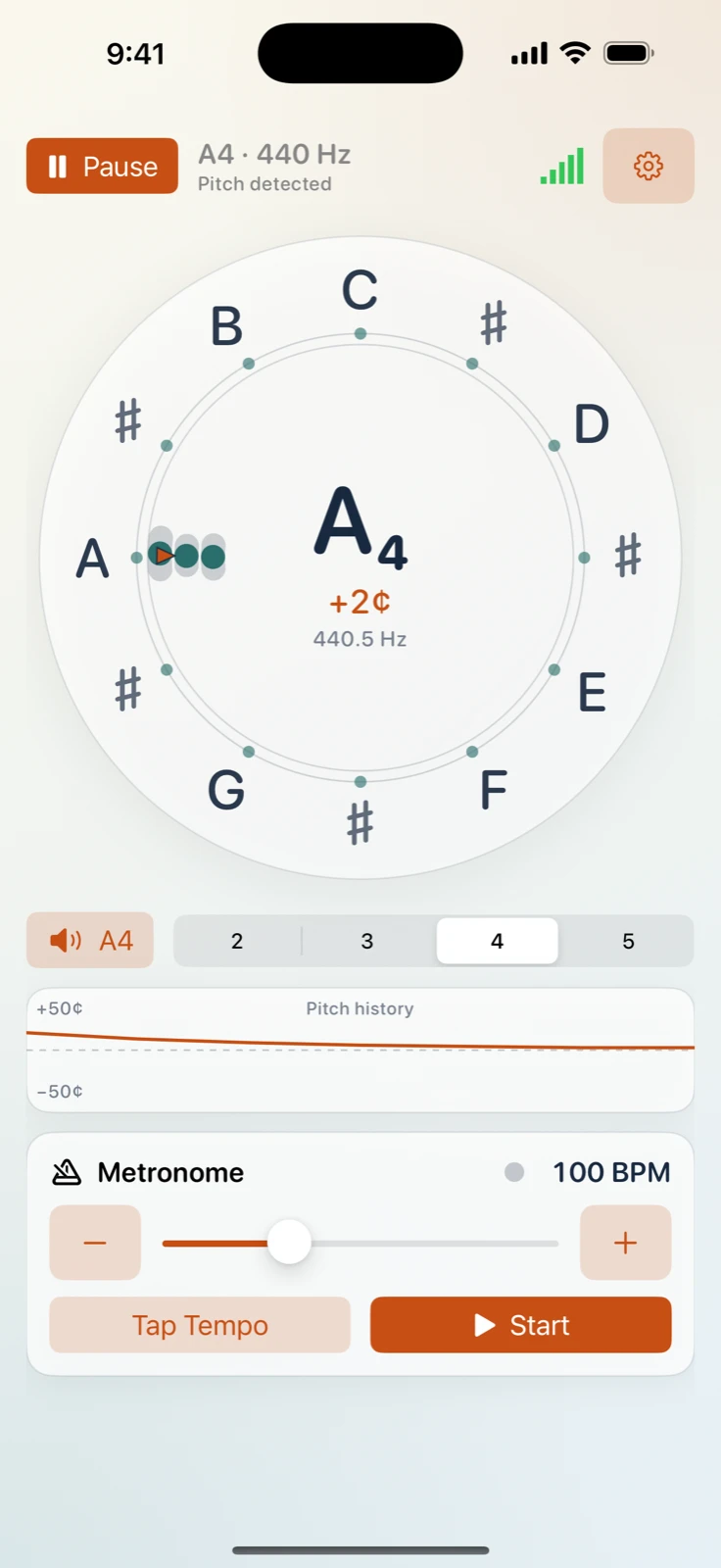
Microphone input is analysed on your device. A circular display shows the detected note, octave, frequency, and deviation in cents.
The tuner
Pitch is placed on a twelve-note chromatic compass. A marker shows its position, and three harmonic rings show agreement around the tone. The cents-history trace follows a sustained note; a microphone waveform is also available.
Tools and settings
- Reference tones
- Chromatic tones from C2 through B5. Tap a note around the compass to hear it. Free to use.
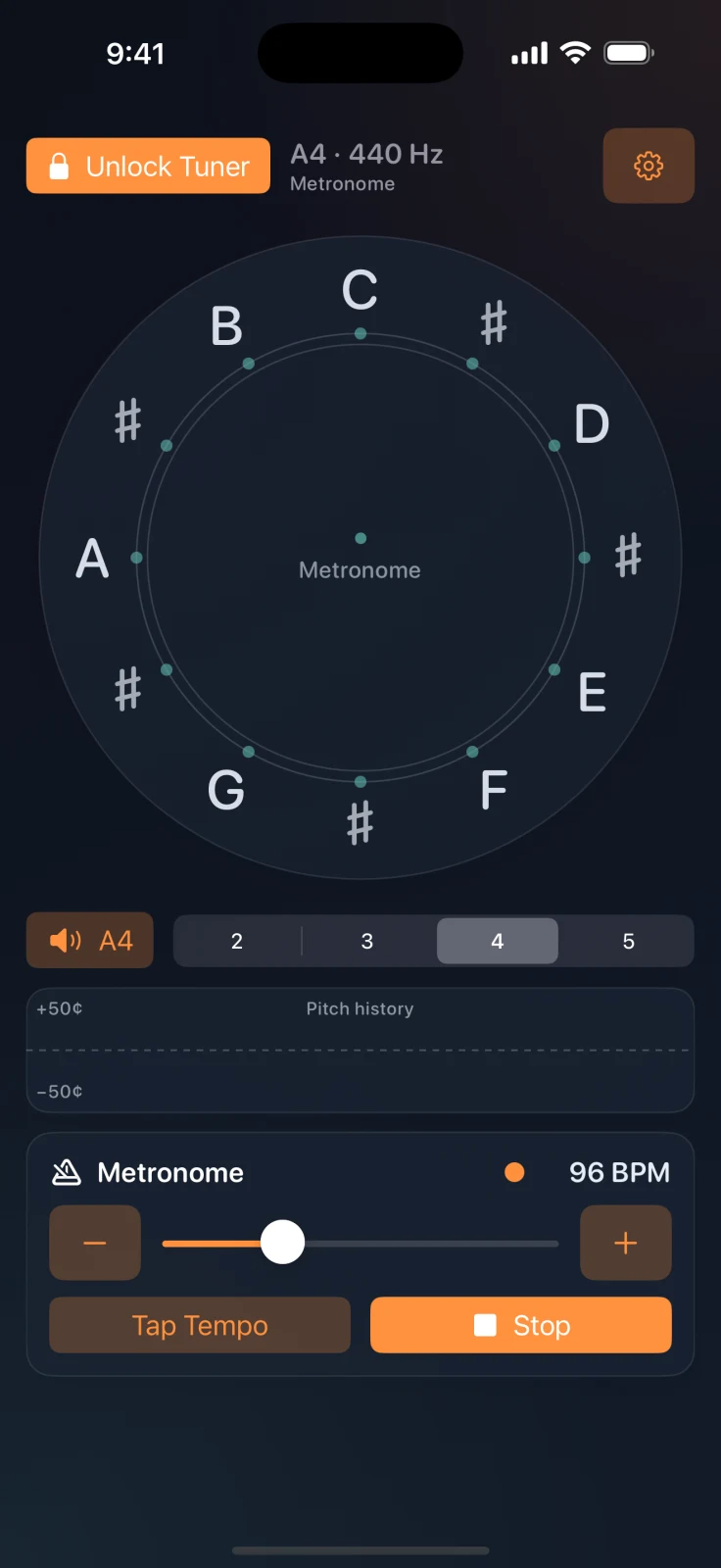
- Metronome
- 40–240 BPM, with Tap Tempo. Free to use.
- Tuning reference
- A4 adjustable from 415 to 455 Hz.
- Note names
- Letter names or Do–Re–Mi.
- Display
- System, light, or dark appearance. Portrait and landscape layouts on iPhone and iPad.
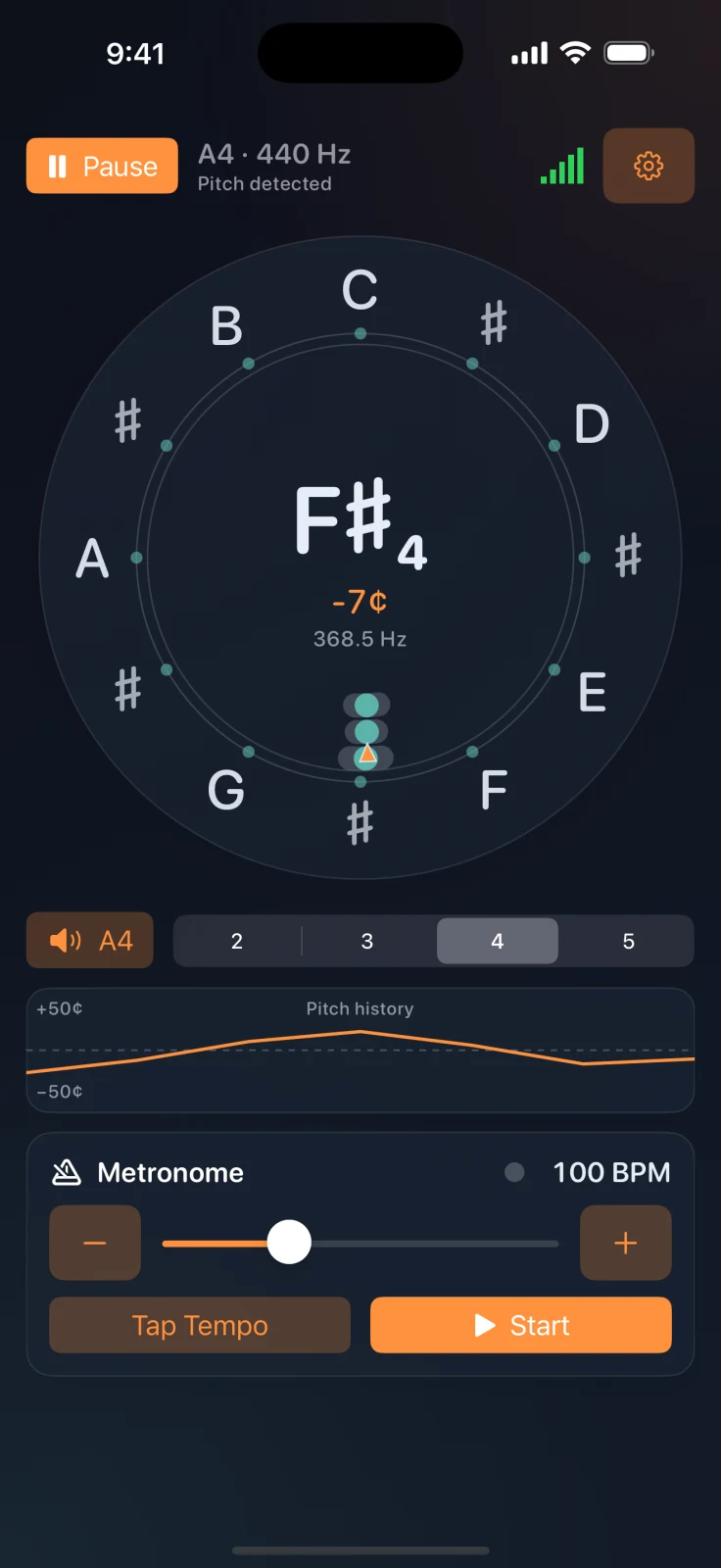
Dark appearance
The tuner, cents history, reference tones, and metronome are also available in dark mode. Appearance can follow the system setting or be selected in the app.
Trial and purchase
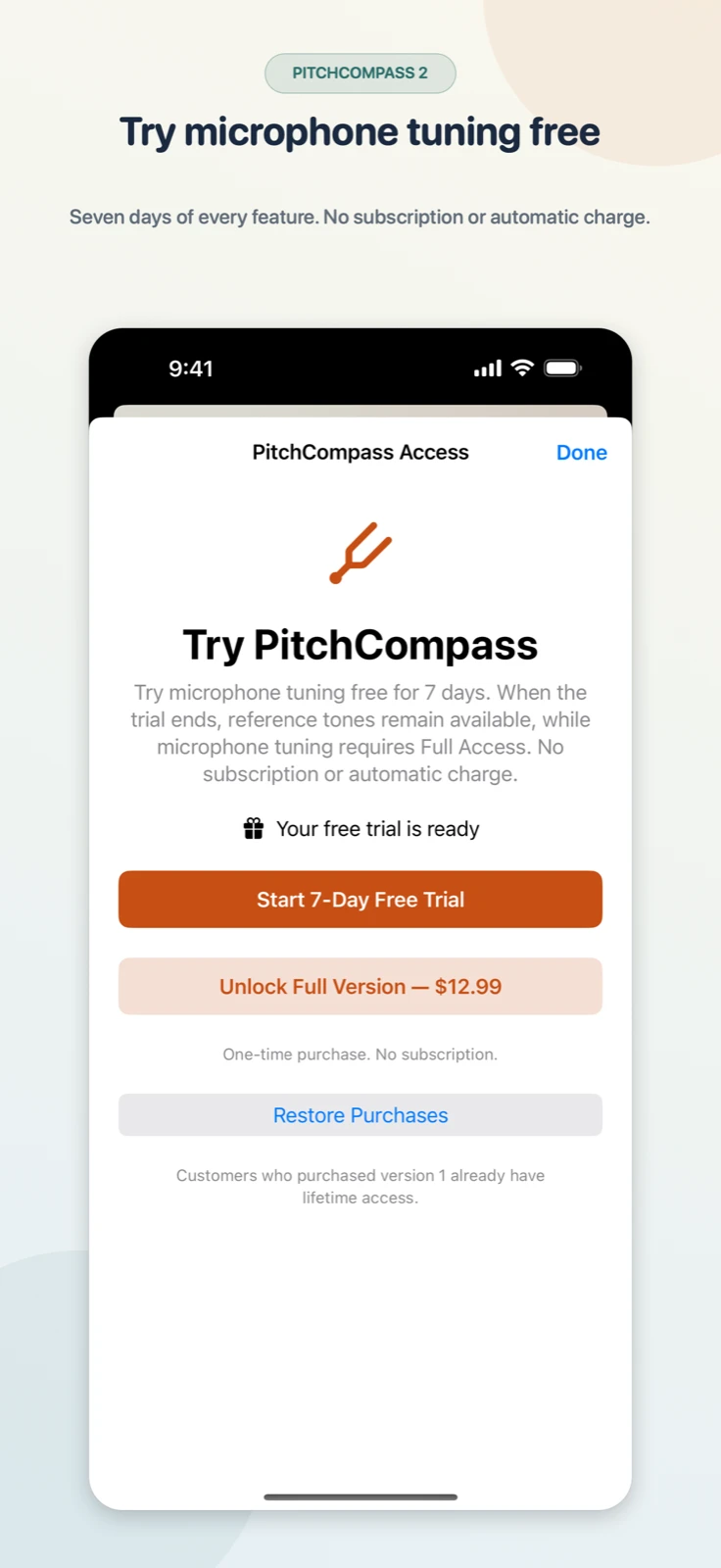
Reference tones and the metronome are free. Microphone tuning and all other features can be tried for seven days, starting when you choose to begin the trial.
The trial is not a subscription and creates no automatic charge. After the trial, Full Access is a one-time, non-renewing purchase.
Existing version 1 customers keep lifetime Full Access.
Privacy and support
Microphone audio is processed locally. PitchCompass does not record or upload audio, require an account, show ads, or use tracking.