For iPhone, iPad and Mac · Forthcoming
NextPage 2
Write, arrange, read and print.
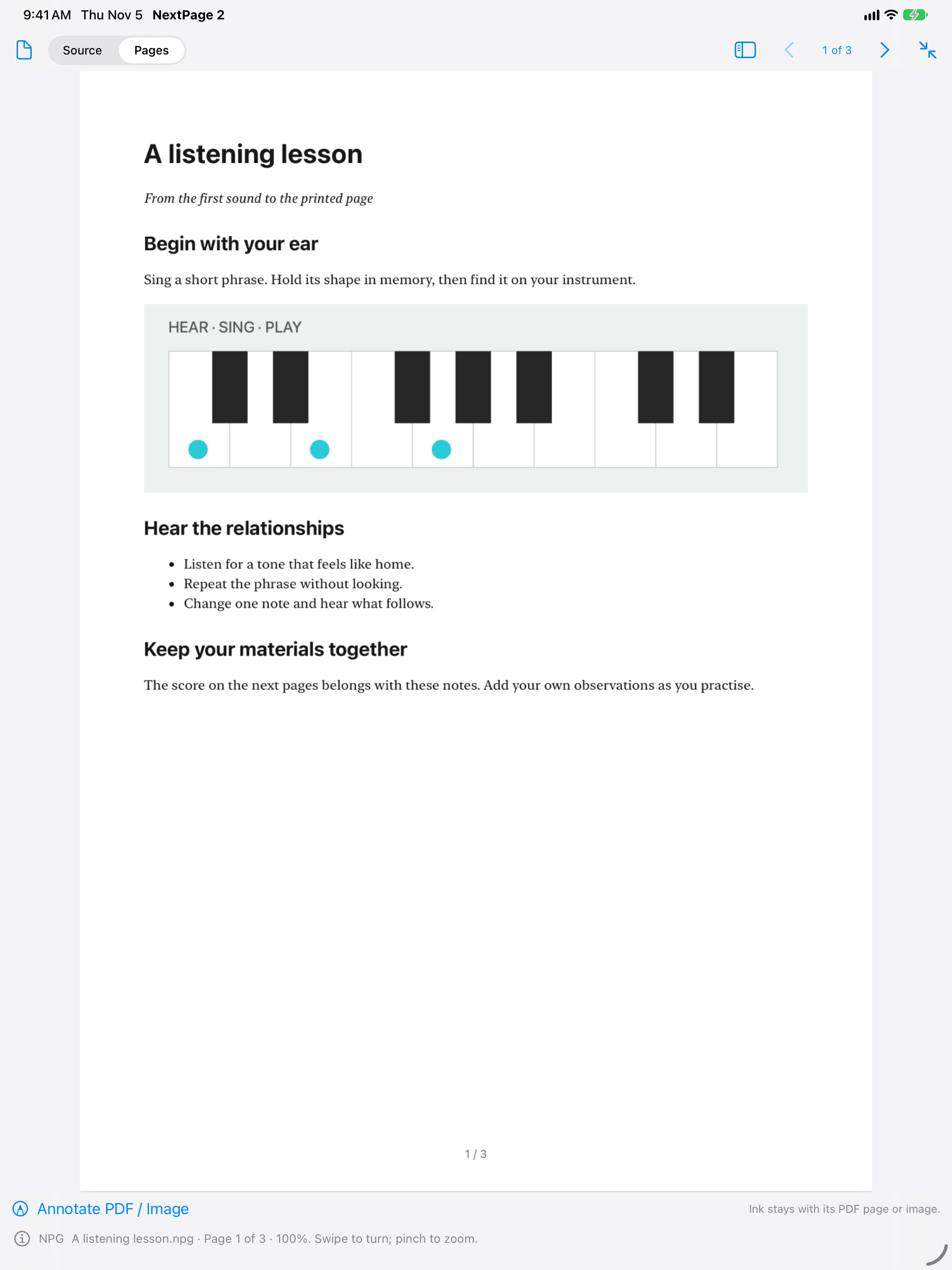
Bring your writing, images and PDF pages together. Prepare a lesson, gather a rehearsal score and notes, or turn a text file into pages ready to read and share.
Your material, together
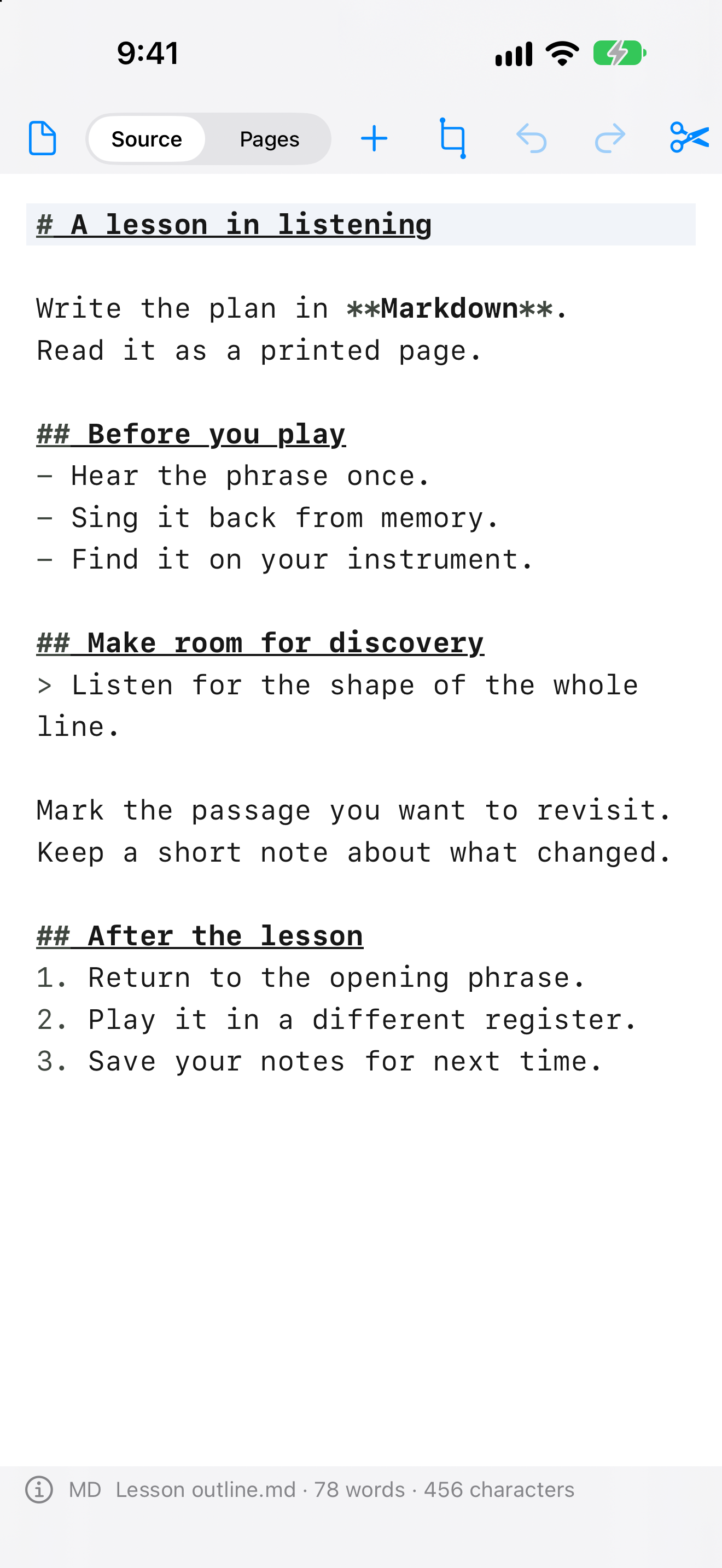
Start with text or Markdown. Add images, selected PDF pages, photos or document scans. Keep the text, attachments and page layout in a single NextPage document saved through Files.
Choose paper size, orientation, margins and printed typography. Switch from Source to Pages to see the result, then print or export a PDF.
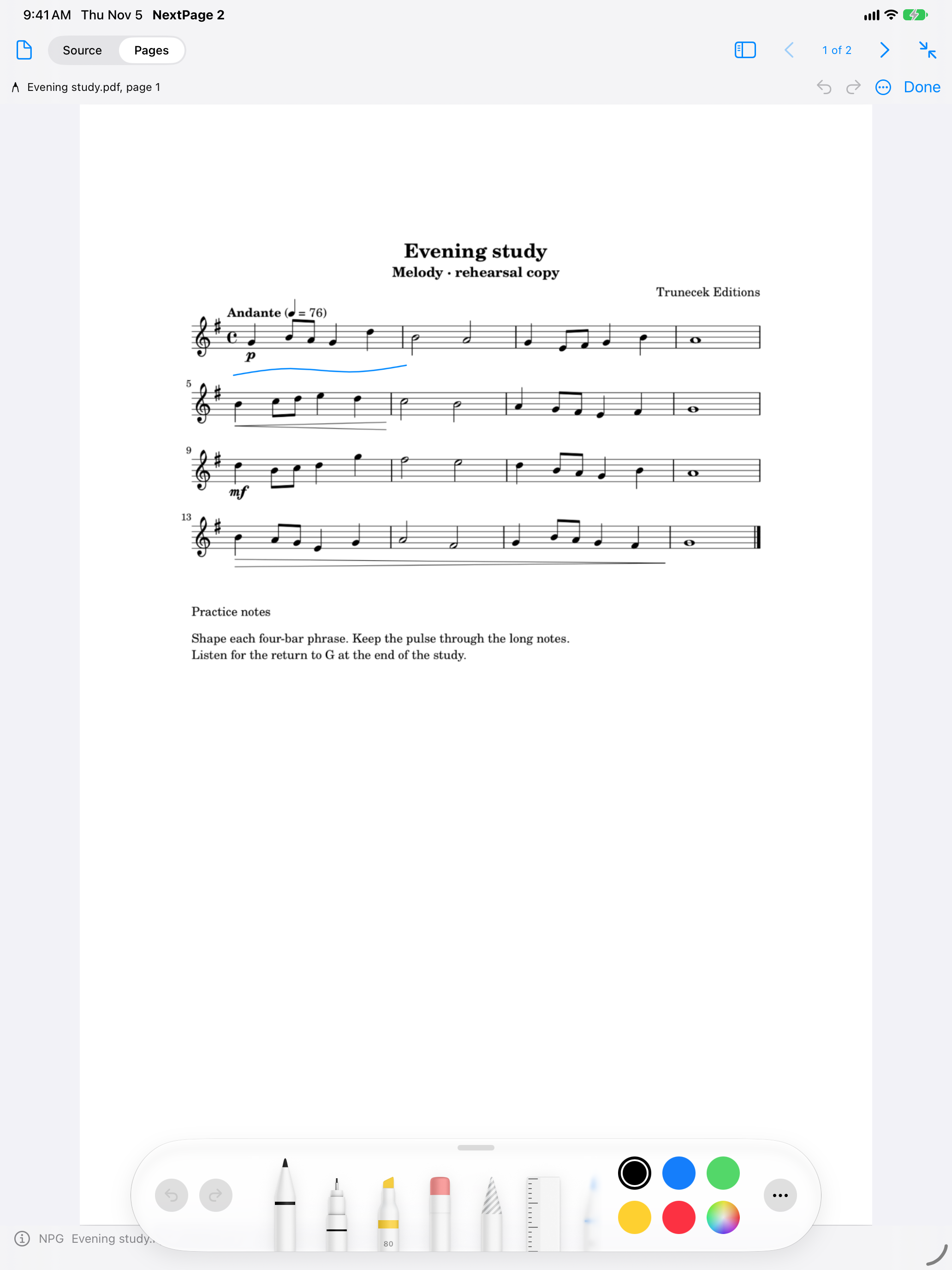
Read and mark your score
Bring a PDF score or page image into NextPage. Turn pages horizontally or vertically, zoom into a detail, jump to a page, or hide the controls with Reading Focus.
On iPhone and iPad, annotate fixed PDF pages and images with native drawing tools. Use Apple Pencil on iPad or enable finger drawing. Your marks stay with their source page or image when surrounding text changes, and appear in printing and PDF export.
Keyboard-style page-turn pedals use the supported arrow or Page Up / Page Down keys. Configure the pedal in keyboard mode.
NextPage complements a musical workspace alongside MusicJotter 2, PitchCompass and TonalPath.
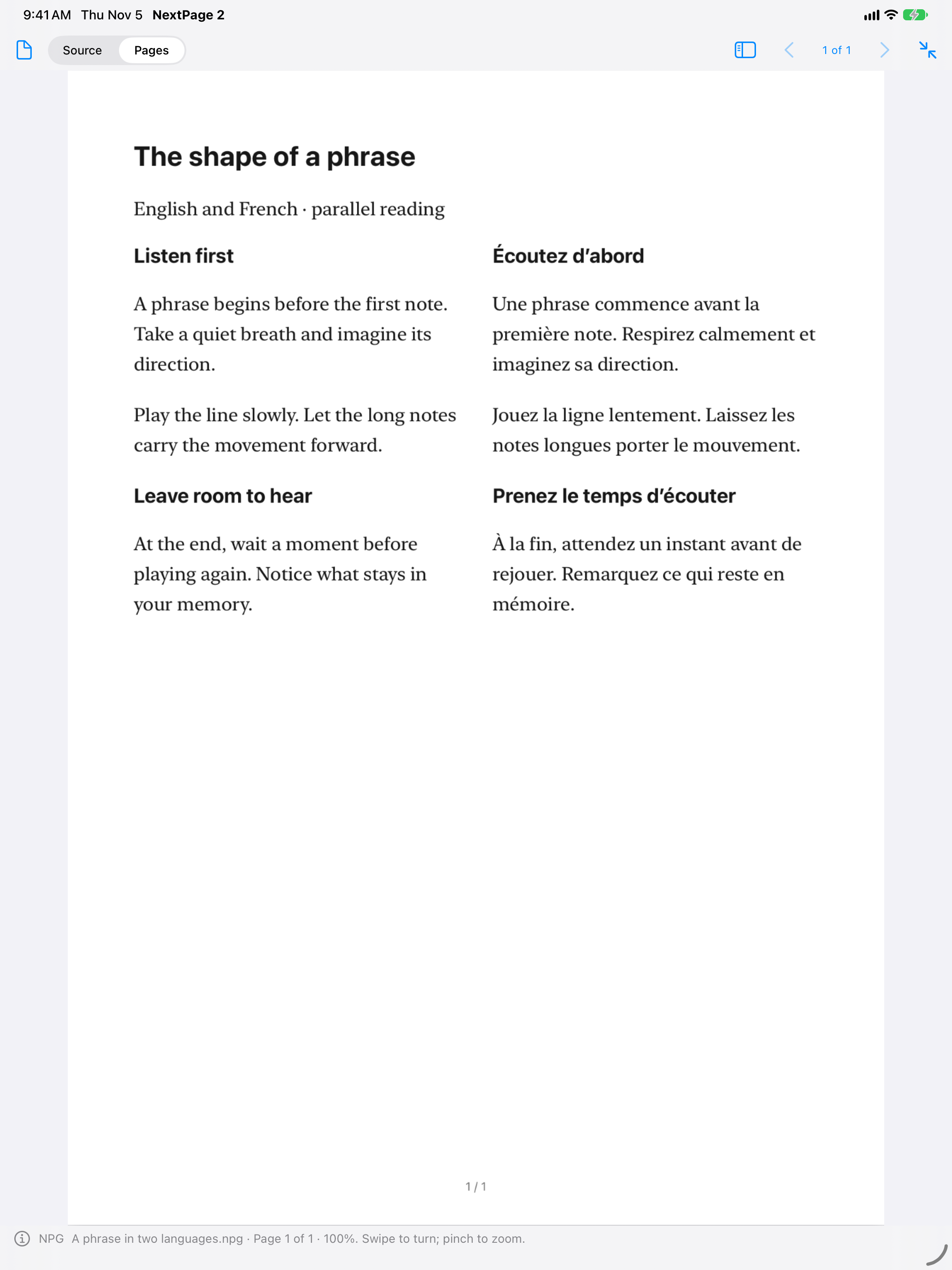
Read, listen and compare
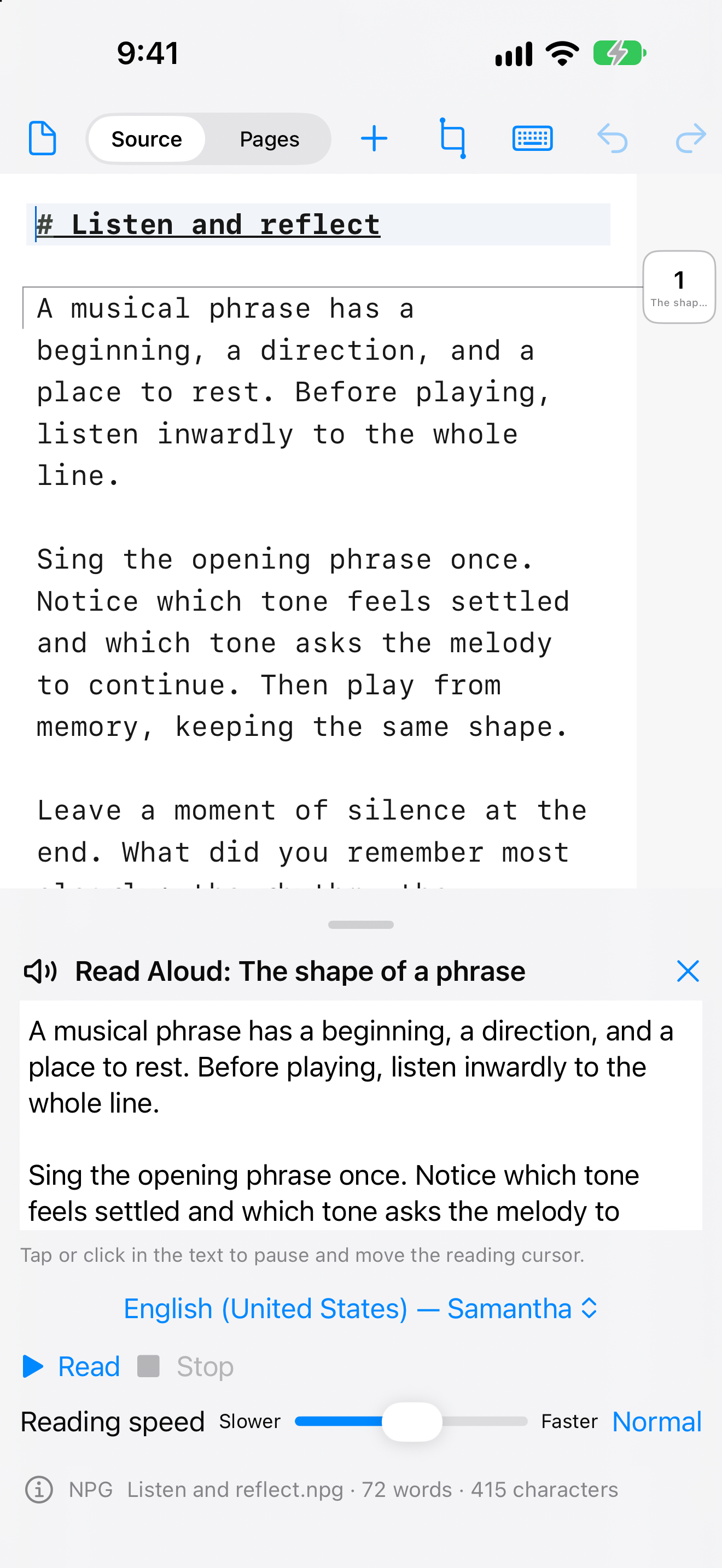
Mark and label passages to find them in the outline. Read a passage aloud with system voices and adjustable speed.
Translate marked text using Apple’s on-device translation tools, then place a translation beside its source in paired columns. Supported languages, devices and required downloads depend on Apple’s translation services.
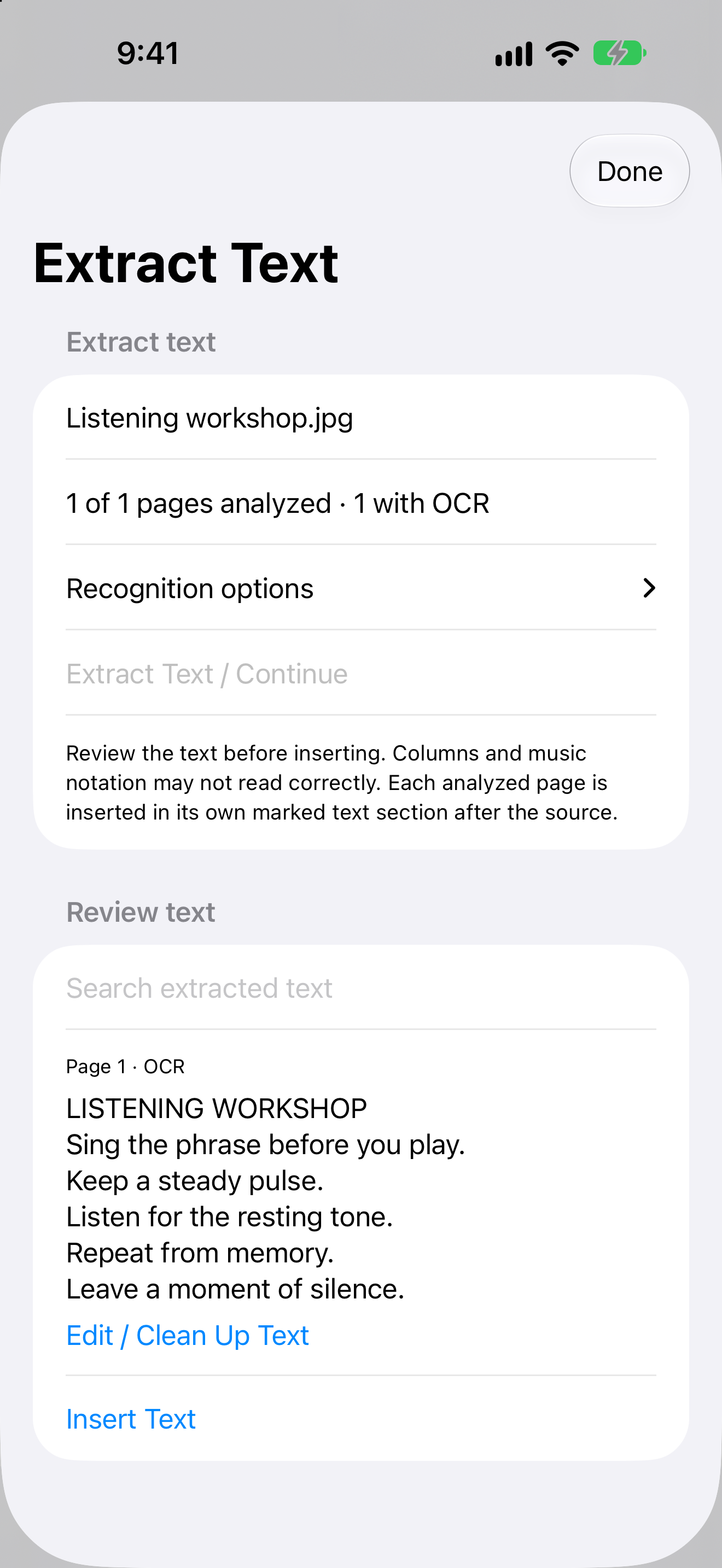
Extract text from images or scanned PDF pages, review the recognized result, and insert it as editable text.
Tools for the work between pages
Free permanently. More with one purchase.
- Free edition
- Text and Markdown editing up to 30,000 source characters, page layout, marked passages, outline, Find and Replace, and Pages view for documents up to 10 pages.
- Full Access
- One purchase unlocks adding images and PDFs, camera and scanning on iPhone and iPad, fixed-page annotation, text recognition, translation, Read Aloud, printing, PDF export, unlimited source length and Pages view up to 250 pages.
- No subscription
- No timed trial or automatic charge. Localized pricing is shown in the app before purchase.
- Files and privacy
- No NextPage account is required. Save locally or through your chosen file provider. Trunecek Editions does not receive your document contents.
About this version
NextPage 2 is a separate app from original NextPage. It adds editable text and Markdown, mixed documents and tools for reading and study. Purchases from original NextPage do not transfer automatically.
Handwriting is created on iPhone and iPad. Saved annotations are also displayed and included in output on Mac.
Forthcoming on the App Store.